



Testing the solution
This section describes how to test SafeNet Agent for Microsoft OWA after installation and configuration.
Supported authentication methods
The following authentication methods are supported:
- Push OTP
- GrIDsure
- Challenge-Response
- SMS Challenge
- Password (Static)
Verify authentication
-
Access your Outlook Web App (OWA) account using a browser window.
-
Enter your Domain\user name and Password, and then click Sign In.
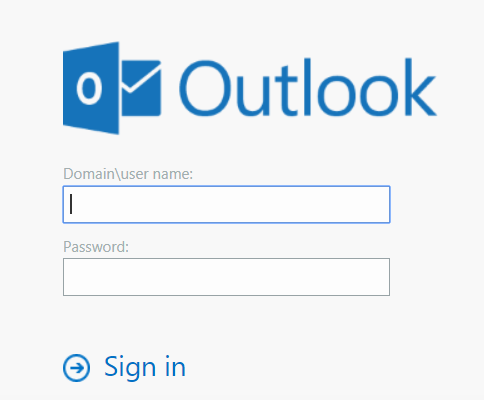
You will be redirected to the SafeNet Trusted Access (STA) sign-in page to complete the sign-on process.
-
On the STA sign-in page, enter your authentication credentials.
a. If the user has 'Password' configured as the authentication method in STA, the following screen will be displayed:
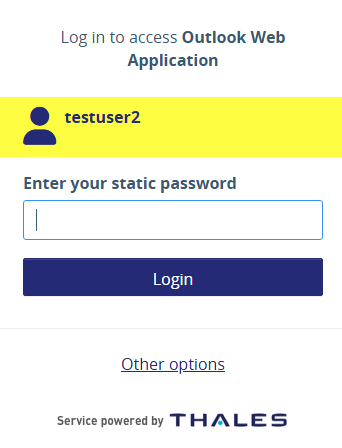
b. If the user has 'SMS' configured as the authentication method in STA, the following screen will be displayed:
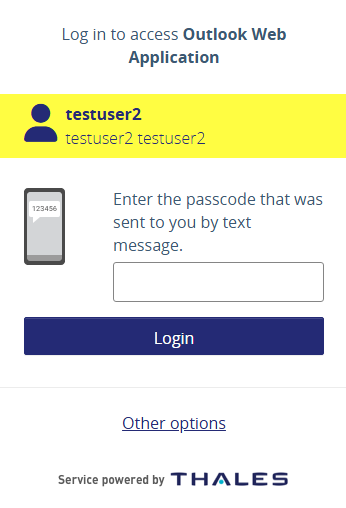
c. If the user has 'Gridsure' configured as the authentication method in STA, the following screen will be displayed:
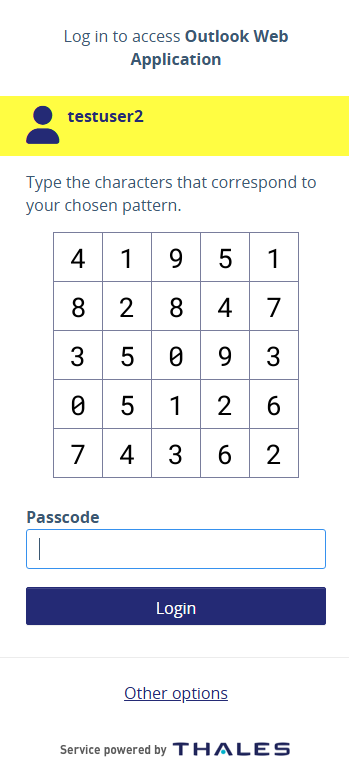
d. If the user has 'MobilePass' with Push configured as the authentication method in STA, the following screen will be displayed:
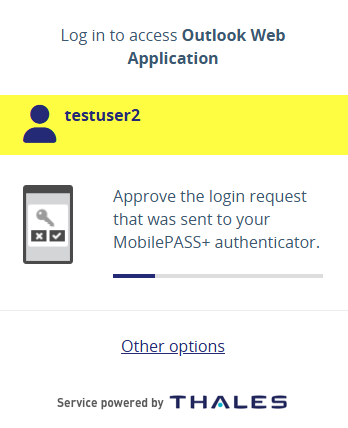
e. If the user has 'MobilePass' with Push & number matching configured as the authentication method in STA, the following screen will be displayed:
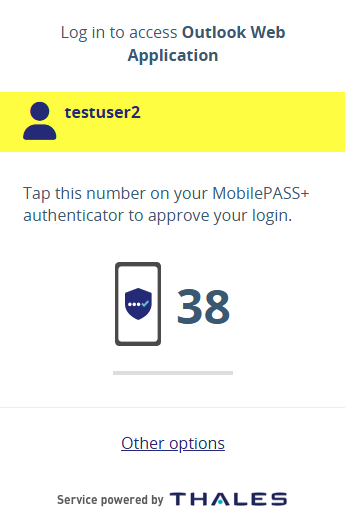
f. If the user has 'MobilePass' with challenge response configured as the authentication method in STA, the following screen will be displayed:
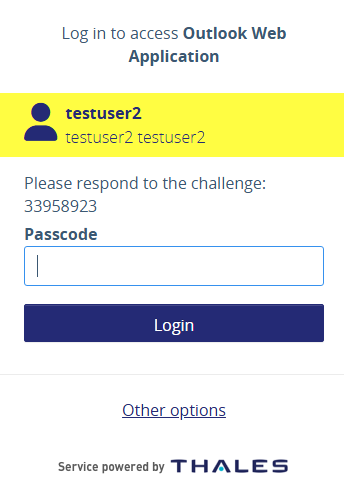
-
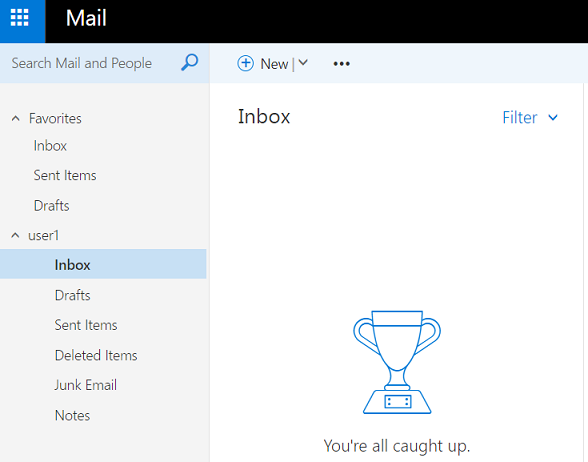
After successful authentication, you will be logged in to your mailbox. The OWA application will display in the browser window.
Note
- There will be no user interaction for Push OTP on the STA page.
- The applicable STA policy defines whether or not the STA page will be displayed while performing the authentication.

