



Testing SafeNet Agent for Microsoft IIS
The flow of running the agent solution and verifying the authentication, is based on the selected authenticator type. The following authenticator options are available:
Hardware/Software
-
On the agent's authentication page, enter [Domain]User Name, password, and OTP.
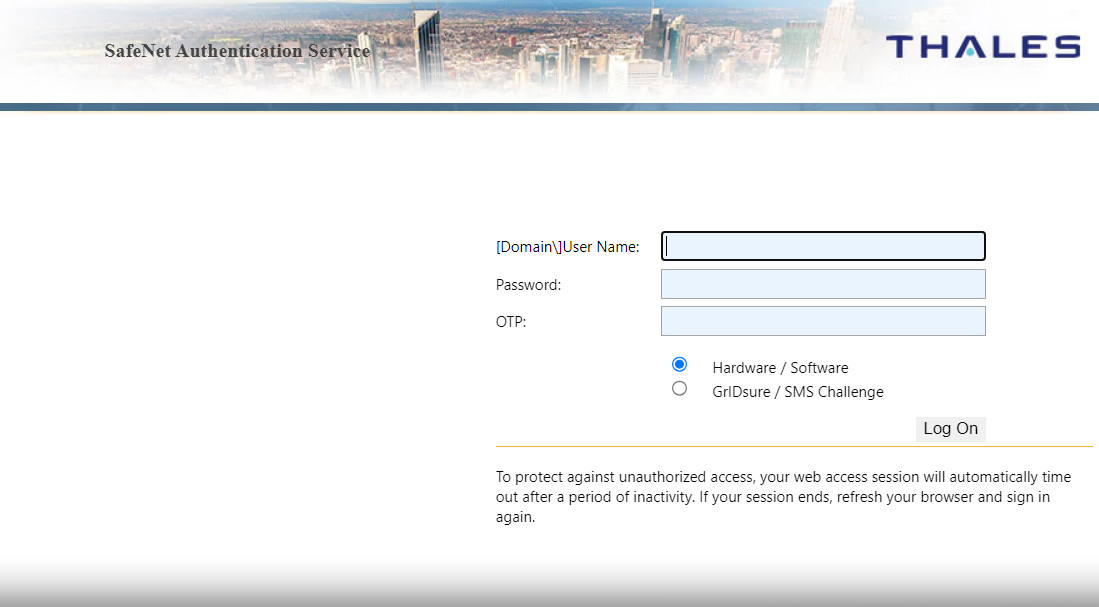
-
Click Log On.
-
If both sets of credentials (Microsoft and SafeNet credentials) are valid, the user is presented with their website. Otherwise, the attempt is rejected.
GrIDsure/SMS challenge
-
On the agent's authentication page, enter [Domain]User Name, and password.
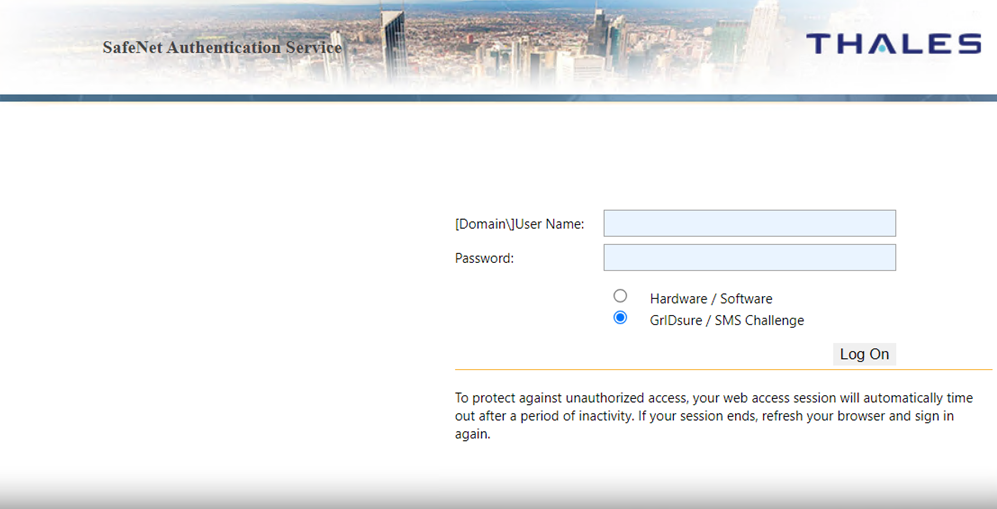
-
Click Log On.
-
If the Microsoft credentials are valid, you will be presented with a GrIDsure grid or provided with an OTP via SMS. If the SafeNet credentials entered are valid, the user is presented with their website. Otherwise, the attempt is rejected.

