



Verify Authentication
Caution
Ensure the conditional access policy is enabled and all assignments are saved before testing.
Note
New users may need to complete external MFA registration.
Perform the following steps to verify SAS PCE as your external MFA provider in Entra ID:
-
In a new browser window, open an application that you linked with your conditional access policy in the Creating a Conditional Access Policy section, and click Sign in.
-
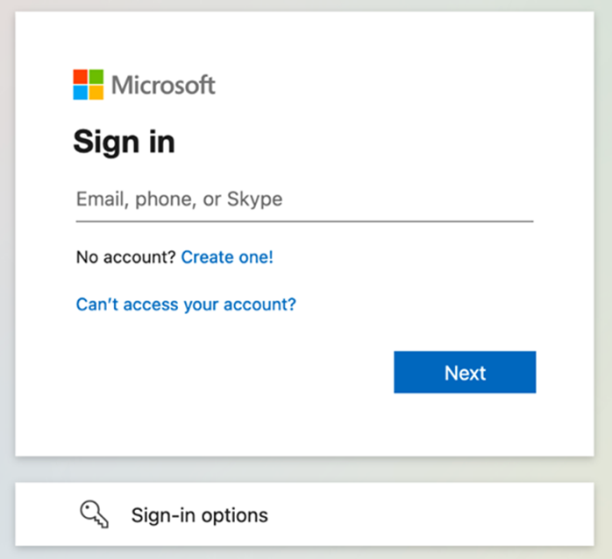
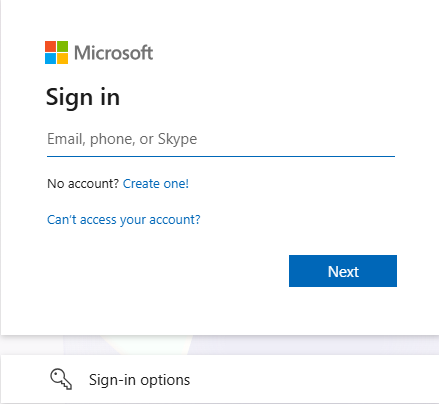
You will be redirected to the Entra ID sign-in page. Enter your Entra ID email address, and select Next.
-
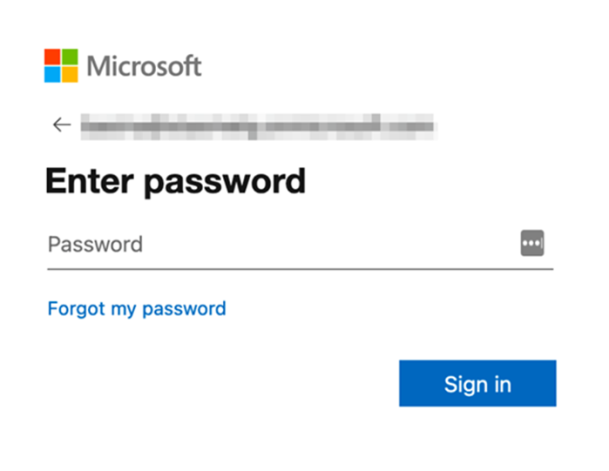
Enter your Entra ID password and select Sign in.
-
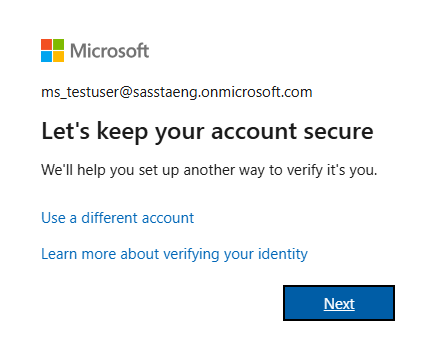
If you are a new user and have not registered the external MFA method, you will be prompted to set up a sign-in method. On the Let's keep your account secure page, click Next.
-
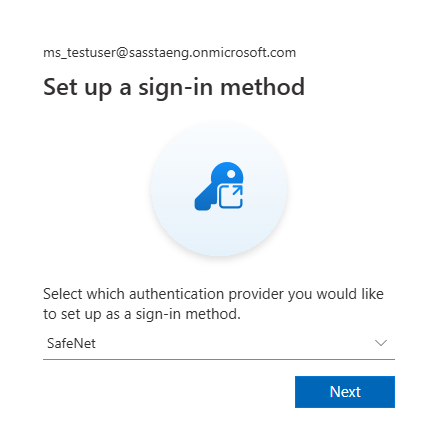
On the Set up a sign-in method page, from the Select an option list, select SafeNet, and click Next.
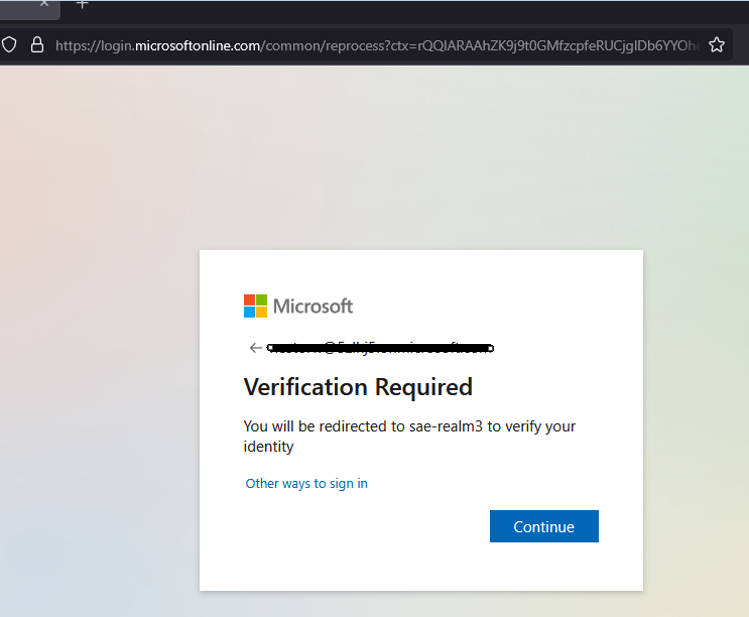
The SafeNet option is now selected as shown below. Click Next to continue.
-
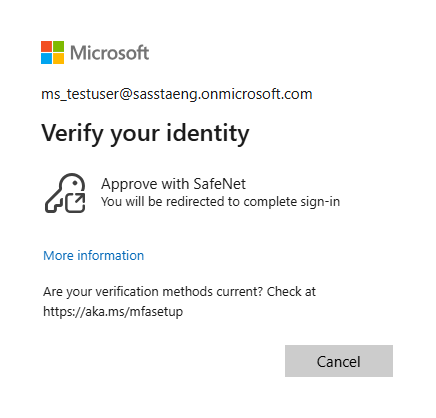
The Verify your identity page is displayed. Select Approve with SafeNet.
-
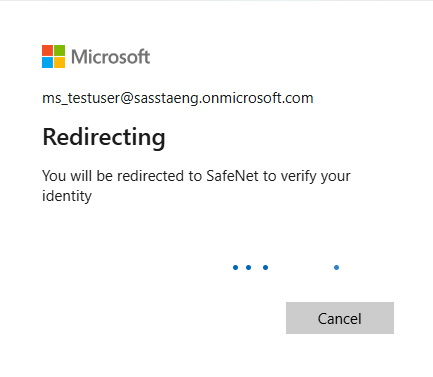
You will be redirected to the SAS PCE sign-in page. Enter your primary directory login information and approve the two-factor authentication.
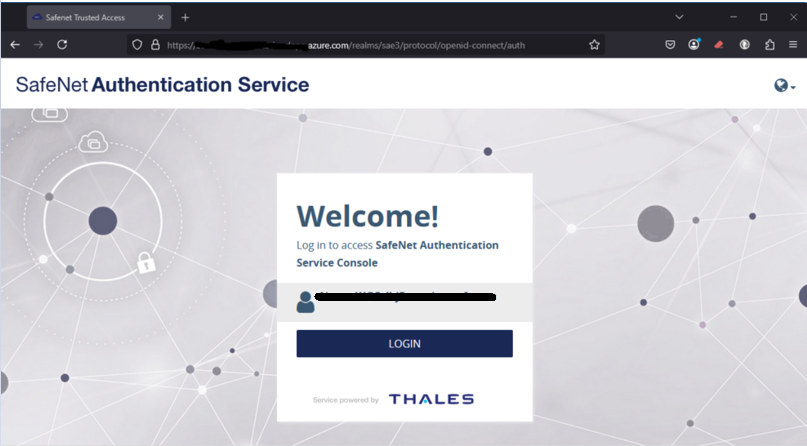
-
Upon successful authentication, you are logged in to the application.

