Verify authentication
This section describes how users authenticate to Stormshield SNS with SafeNet Access Exchange. Verify the integration by authenticating through the Stormshield VPN SSL client, the captive portal, or the Stormshield SNS administration console.
Connect using the Stormshield VPN SSL client
Before you launch the VPN, configure the Stormshield VPN SSL client to use Single Sign-On (SSO) mode:
- Open the Stormshield VPN SSL client settings.
-
Enable the Single Sign-On option.
-
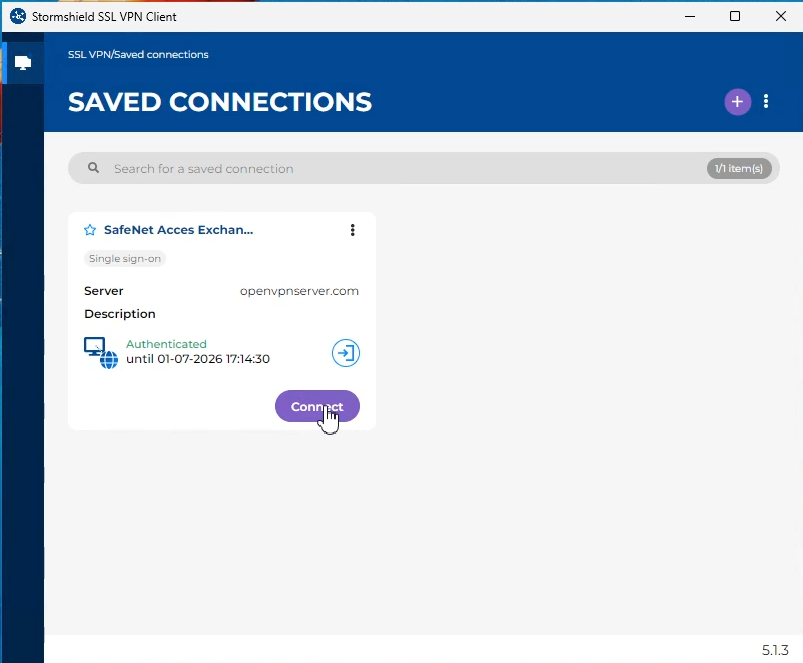
Launch the Stormshield VPN SSL client.
- Click Connect.
-
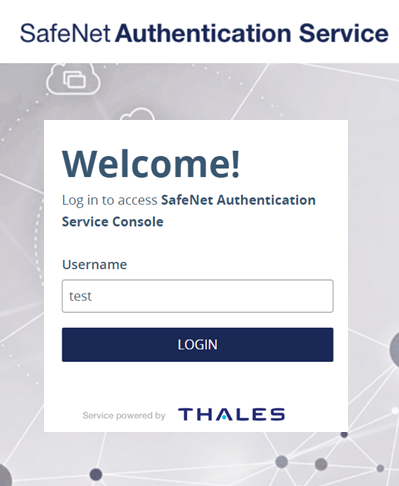
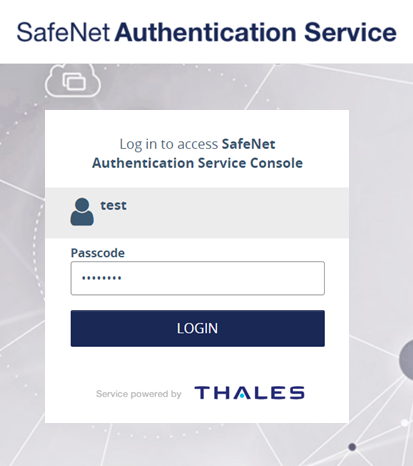
The default browser will open and you will be redirected to SAS PCE for authentication as per your selected flow. Enter your primary directory login information and approve the two-factor authentication.
-
After successful authentication, the VPN SSL connection is established.
Connect using Captive Portal
- In a browser, open the captive portal of your Stormshield SNS appliance, using the FQDN that you configured for the captive portal, for example
https://openvpnserver.com/auth. -
On the login page, click Connect with SafeNet Access Exchange.
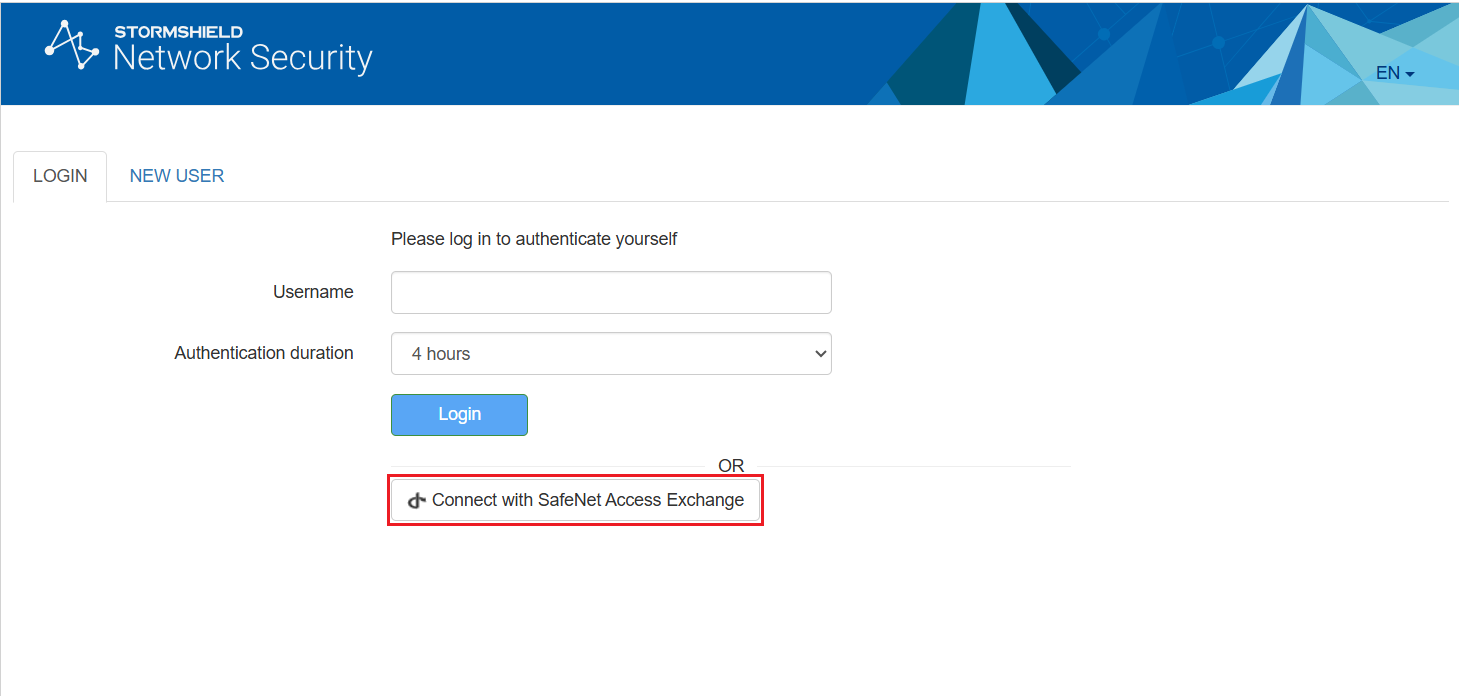
-
You will be redirected to SAS PCE for authentication as per your selected flow. Enter your primary directory login information and approve the two-factor authentication.
-
After successful authentication, you are redirected to Stormshield SNS and your session is authenticated.
Connect using Admin Console
-
In a browser, open the Stormshield SNS administration console, for example
https://openvpnserver.com/admin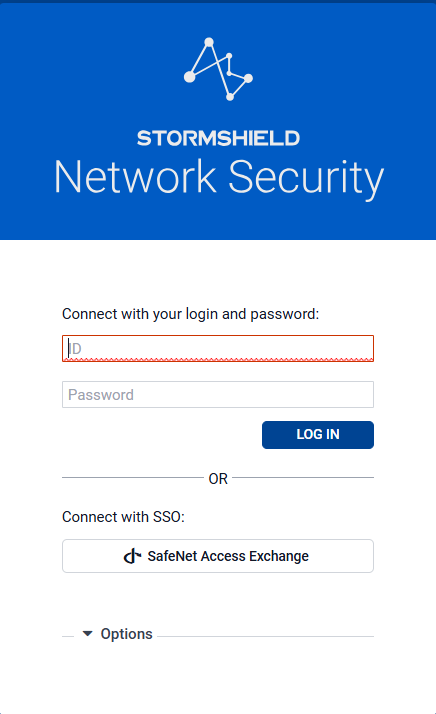
-
On the sign-in page, under Connect with SSO, select SafeNet Access Exchange. Sign in with a user account that belongs to a SafeNet Access Exchange group with administrator rights in Stormshield SNS.
-
You will be redirected to the SAS PCE sign-in page. Enter your primary directory login information and approve the two-factor authentication.
-
After successful authentication, the Stormshield SNS administration console opens with the administrator rights assigned to the user's group.
Monitoring
After you connect, use the Stormshield SNS administration console to confirm the integration:
- Go to Monitoring > Users and review the active sessions. Confirm the authentication method (OpenID Connect), the user group, and the session status.
-
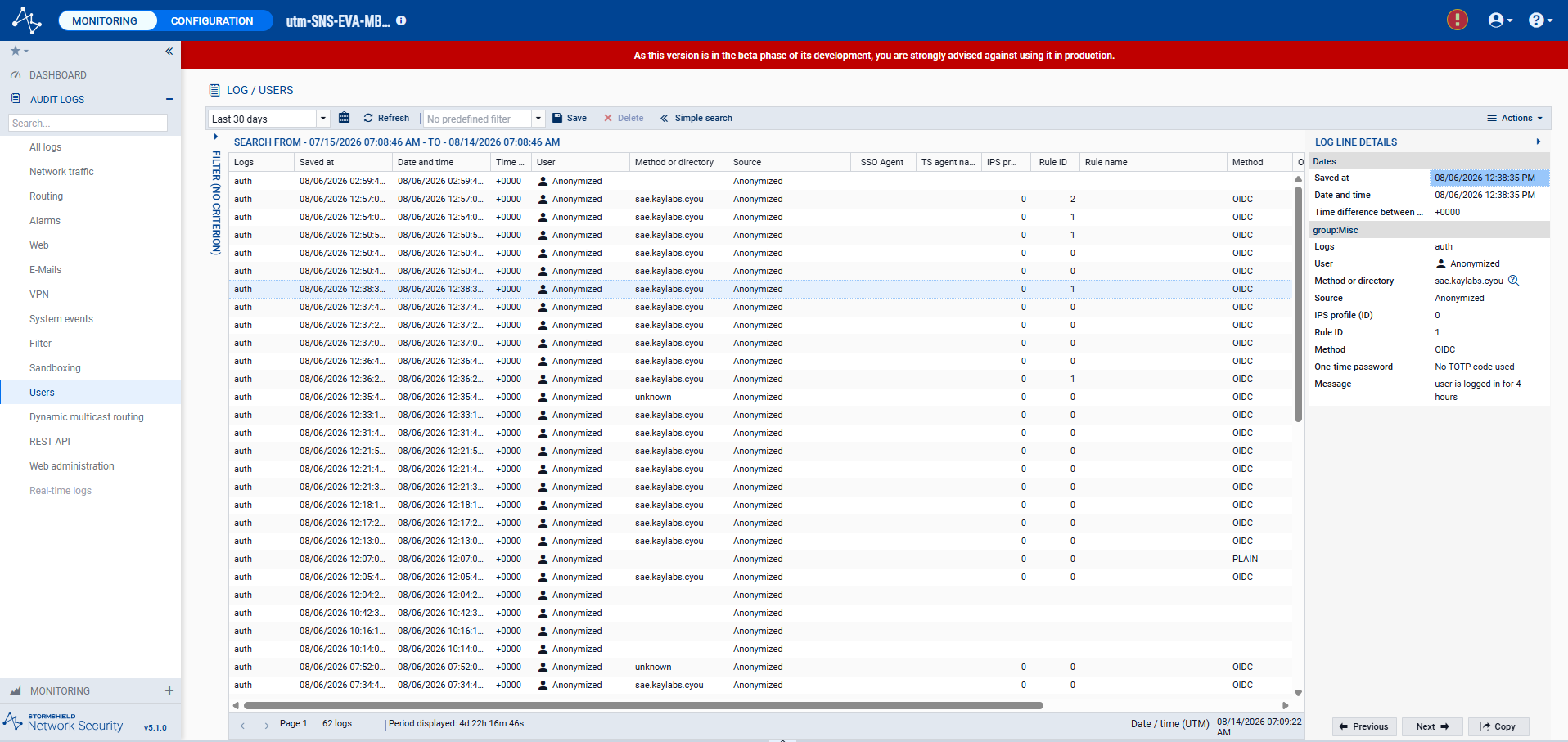
Go to Monitoring > Audit logs > Users and review the authentication events. Verify that the authentication events (Success or Fail) show
OIDCas the authentication method.